
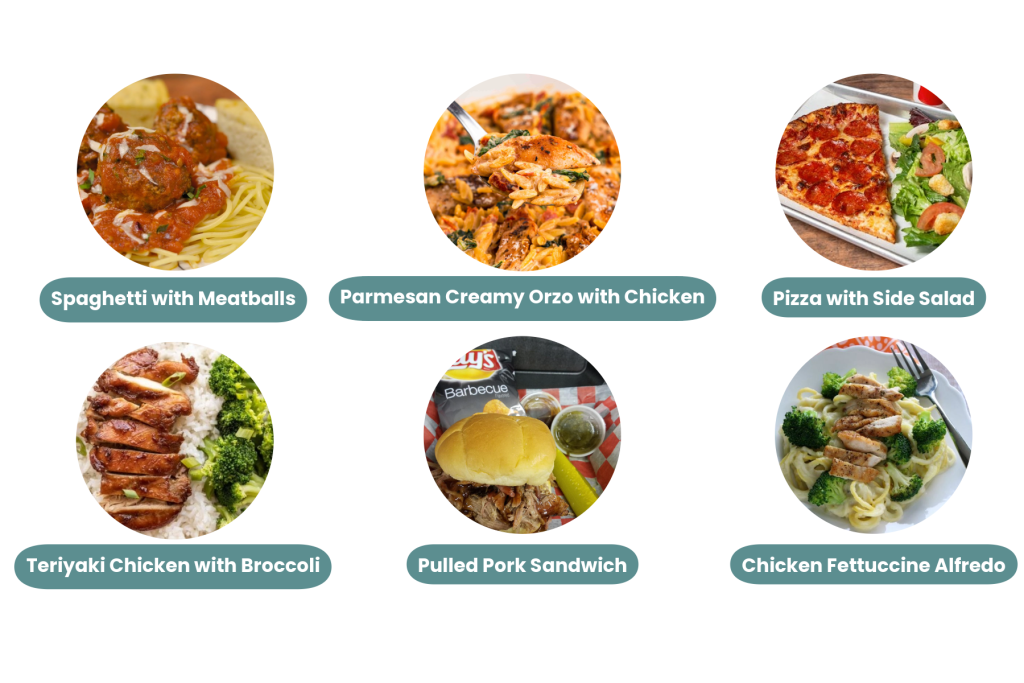
We have lunches made on site for only $5 per meal. Each meal includes a fruit and vegetable. Some of our exciting new lunch options are displayed below. Log in to your Family Portal to see the full menu.
- Log in to your Family Portal on RenWeb.
- Click on Student.
- Click on Lunch.
- Click Create Web Order.
- Adjust the quantity for each item you would like to order.
- Scroll down to order for each child.
- The total will display for each item with the Grand Total displayed at the bottom.
- Click Submit Order.
- Click confirm and pay.
- If you have money loaded in your prepay account, click on one of your payment options, then click on the apply credit button at the bottom above pay now.
- If you do not have money loaded in your prepay account, click pay now.
- Your order is not complete until you click pay now.